What is remote support?
'Remote support' involves someone from Geocentrix viewing (and optionally controlling) your computer via the Internet. This allows us to see the problem you are having 'in situ' and relieves you from writing up the problem in an email.
You can limit the access we have to your computer to 'view only' or you can give us permission to take control of your computer (in order to provide a quick solution to your problem, for example).
Remote support is only available to Geocentrix customers who have a current ReAssurance agreement.
|
How do I get remote support?
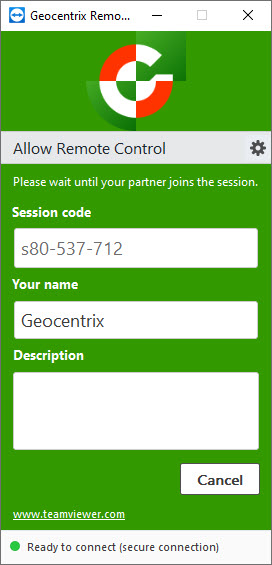
Just follow these steps:
- Download and run Geocentrix Remote*
- Send an email to Geocentrix Technical Support or call +44 1737 373963 to say you have started a remote support session
- Wait for us to connect to your computer
- You will be prompted to give your permission before the connection is opened
*This is a rebadged version of TeamViewerQS
|


